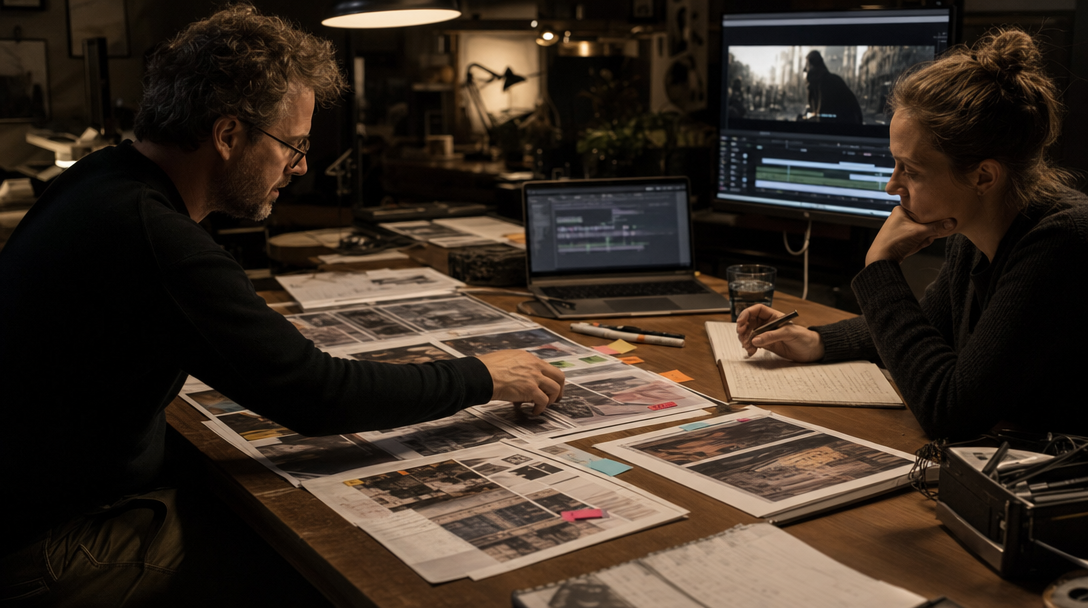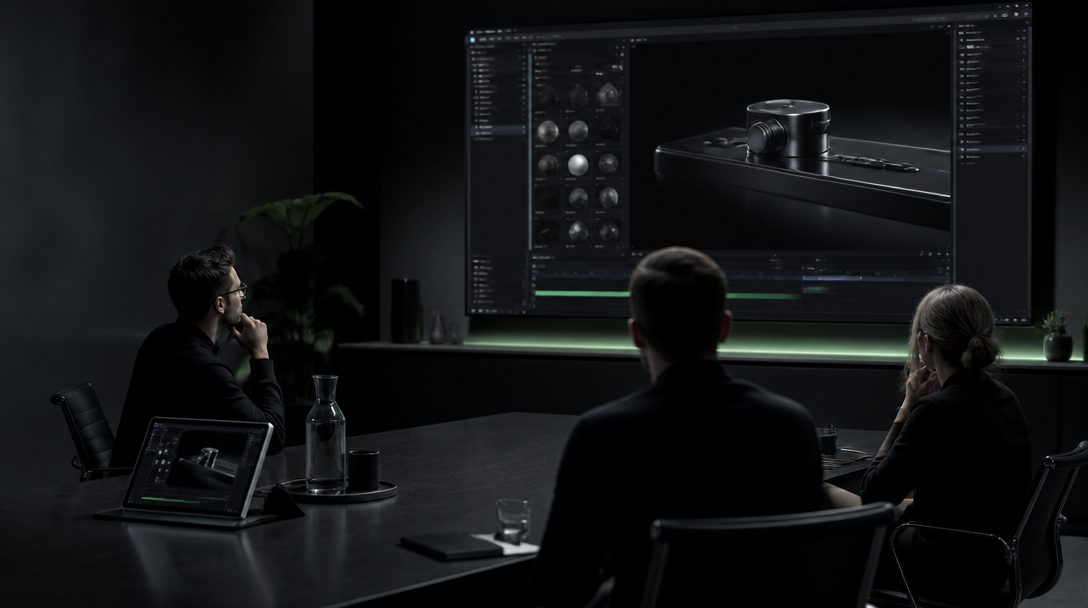
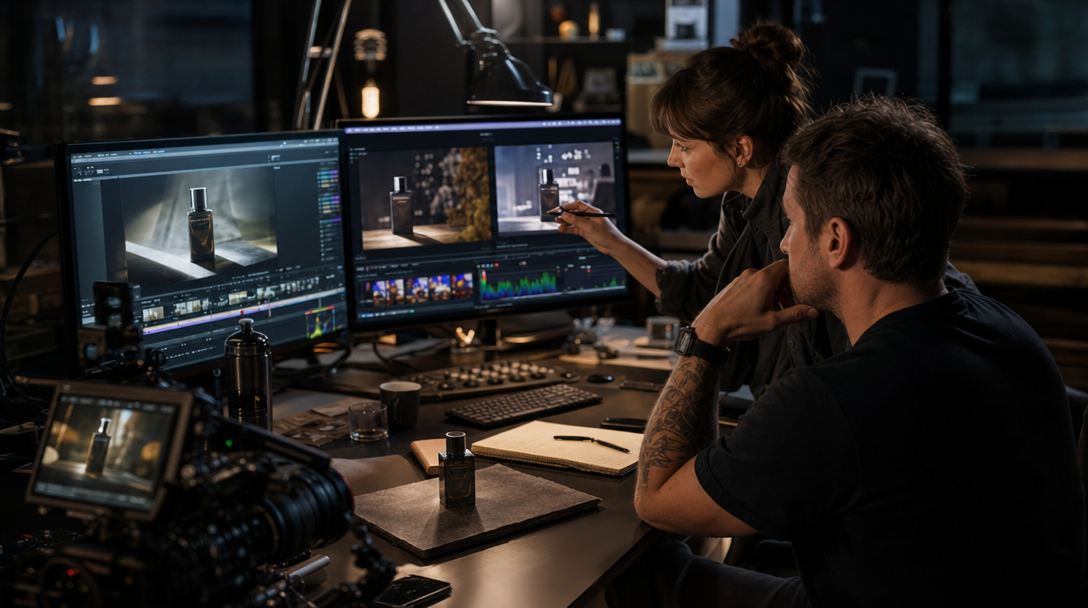
The scene was almost usable.
The light on the bottle held. The hand movement was clean. The vertical crop finally had room to breathe.
Then someone asked for one more thing.
Change the background. Tighten the motion. Make the product text land closer to the action. Maybe stretch the shot so the CTA arrives a beat later.
That is the moment a lot of teams will hand too much authority to Gemini Omni Flash.
On June 30, 2026, Google opened Gemini Omni Flash to developers in AI Studio and the Gemini API. Google positioned it as a model for high-quality video generation and conversational editing from text, image, and video inputs, priced at $0.10 per output second. That is genuinely useful. It also creates a new production risk: when edits get cheap enough, teams stop asking whether the shot should still be saved at all.
Gateway's view is simple: Gemini Omni Flash is strongest when it has a narrow rescue job. Give it a salvage lane, a variant lane, or a previsual lane. Do not quietly promote it into the owner of your hero cut just because one more pass feels easy.
Cheap editing changes the failure pattern
Older AI video workflows usually failed earlier.
The prompt missed. The character drifted. The physics were obviously off. Everybody knew the shot was still a draft.
Conversational editing changes that psychology.
A scene can start close enough to pass. Then the team keeps asking for one more correction. The model keeps the momentum going. And because each pass feels cheaper than a pickup day or a reshoot, nobody wants to be the person who says: stop trying to rescue this and change the production plan.
That is how a salvage tool becomes a quiet rewrite tool.
Take one skincare ad.
The original shot already proves bottle shape, cap fit, and hand pressure well enough. Omni Flash can be useful if the job is tightening timing, cleaning background distractions, or aligning one lower-third moment with the squeeze action. It becomes dangerous when the team also asks it to restage the bathroom, change the hand path, invent richer liquid behavior, and keep the same product truth. At that point you are not polishing the shot. You are renegotiating the claim.
Take one software scene.
A B2B product clip already shows the real dashboard state. Omni Flash can help build a shorter vertical cut or restage the desk environment around the screen. It should not be trusted to improvise a more persuasive interface flow after the original proof moment was never captured cleanly. That is how explainer video turns into UI fiction.
Take one founder ad.
The take is emotionally right but slightly flat. Omni Flash can help test background variants, pacing, or one visual insert. It is the wrong lane for rebuilding facial performance, multi-shot continuity, and claim emphasis across a ten-second scene family.
The edit got cheaper. The responsibility did not.
Build three lanes, not one
The safer operating model is to route Gemini Omni Flash into explicit lanes.
1. Salvage lane
This lane exists to rescue a shot that is already commercially valid.
That means the scene already earned the right to live. Product truth is intact. The claim is intact. The role of the shot is intact.
Good salvage jobs:
simplify a distracting background,
tighten one action beat so text and motion land together,
create a cleaner placement crop from the same scene logic,
add a controlled environmental accent that does not change the proof surface,
produce a shorter cut for a known placement.
One premium watch example: a tabletop macro already proves the crown geometry and bracelet articulation. A salvage pass can calm the background reflections or help a 9:16 crop breathe. It should not be allowed to invent a cleaner bezel or a new dial alignment after the truth shot was never there.
The lane needs a hard rule: if the edit changes what the shot is proving, the job leaves salvage and goes back to production review.
2. Variant lane
This lane exists for approved scene families that need controlled expansion.
A warm-audience ad may need one calmer cut. A launch film may need a vertical placement version. A product explainer may need one cleaner end-card rhythm.
That is not the same as inventing a new ad.
The input authority should already be locked: approved shot, approved product truth, approved role, approved claim ceiling.
Variant lane is where Omni Flash can save real time because the scene already knows who it is.
One travel example: the original hotel ad already proved quietness, room scale, and design tone. A variant pass can test a shorter mobile opener for Instagram Stories. It should not suddenly turn the same room into a louder nightlife scene because the algorithm seemed to respond better to movement.
3. Previsual lane
This is often the smartest first use.
Use Omni Flash to test whether a scene idea deserves the expensive proof burden later. Can a founder scene carry the right rhythm? Does a product transition need a real tabletop pickup? Would the environment swap cheapen the category? Does a text-action sync moment work better as motion graphics than as live product behavior?
Previsual work is powerful precisely because it is allowed to teach the team what not to attempt in the hero production lane.
That matters more than another pretty test clip.
If your team is still solving input hierarchy itself, start with Gemini Omni for Brand Video: What to Lock Before the First Render. The salvage conversation only gets useful after that foundation is stable.
What should never be delegated by default
There are jobs Omni Flash should not inherit automatically, even if the first experiments look impressive.
Final product-proof hero shots
If the campaign depends on exact material behavior, interface truth, dosage truth, or regulated before-and-after reading, the hero shot needs a stricter proof chain than a conversational edit loop can provide on its own.
Think premium skincare serum close-ups, exact watch reflections, or a software moment where one wrong state breaks trust.
Multi-shot character continuity
Google's own June 30 launch notes said character consistency still has limitations when scenes change or the camera pans. That is a meaningful warning for brand work, not a small footnote.
If the ad depends on the same person carrying authority across multiple angles or environments, the workflow needs a narrower control plan than "let's keep refining by conversation."
Long scene rescue
Google's launch post also said Omni Flash currently produces 10-second generations, does not yet support audio references or scene extension in the Gemini API, and does not correctly process video references over 3 seconds at this time.
That means brands should stop pretending it is a universal finishing lane. If the production problem is longer-form continuity, reference-heavy extension, or music-locked performance carryover, the route needs to change.
Regulatory or claim-sensitive scenes
If a scene is doing medical, financial, measurable product-performance, or compliance-heavy work, cheap editability is not your main advantage. Control is.
In those cases the tool can still assist with previews or internal exploration, but the approval chain should stay intentionally conservative.
The review gate that keeps the tool useful
A good Omni Flash workflow is not "prompt better."
It is a routing review before every pass.
Ask four questions:
What is the shot already allowed to prove?
If the answer is vague, the edit request is already too broad.
What single problem is this pass solving?
Not three. Not atmosphere plus product truth plus pacing plus claim upgrade.
One problem.
Examples:
background cleanup,
crop adaptation,
text-action sync,
one environment variation,
one pacing change.
What must stay fixed?
Name the non-negotiables before the pass: product silhouette, UI state, hand path, spokesperson identity, lighting logic, or claim ceiling.
What happens if this pass fails?
Do not keep escalating the same shot forever. Write the fallback before you start: reject, reshoot, hybrid pickup, static cutdown, or different placement route.
That one step saves teams from edit spiral more often than a better prompt does.
Why this belongs inside Gateway Studio
The model is not the system. The routing memory is the system.
Gateway Studio should own:
the lane label for each scene: salvage, variant, previsual, or reject,
the truth pack that the edit is not allowed to rewrite,
the allowed change per pass,
the failure reason when a pass gets rejected,
the model and setting history behind approved versions,
and the handoff note for media, edit, or production once the scene leaves Omni Flash.
Without that memory, each operator re-learns the same lesson: the shot almost worked, the next pass looked promising, and the team spent two more hours rescuing something that needed a different production answer.
With memory, Omni Flash becomes what it actually wants to be in a serious workflow: a fast operator tool with a clearly bounded job.
What to test first this week
If a brand team wants to evaluate Gemini Omni Flash now, the best first test is not a grand campaign film.
Run one three-part exercise instead:
Start with one already-approved short product or spokesperson scene.
Give Omni Flash one narrow salvage job and one narrow variant job.
Reject any pass that tries to upgrade the underlying claim instead of the delivery.
That will tell you more in one afternoon than a broad playground session full of impressive but ownerless clips.
Google's June 30 release matters because it makes multimodal video editing cheaper, faster, and more accessible. For operators, the real opportunity is not unlimited rescue. It is better routing.
Gemini Omni Flash should reduce waste around the shot.
It should not decide whether the shot deserved to exist.
Its best role is narrow conversational editing around scenes that are already commercially valid: salvage passes, controlled variants, and previsual tests. It becomes risky when teams ask it to silently rewrite product truth, claim logic, or hero-scene authority.
Next move