

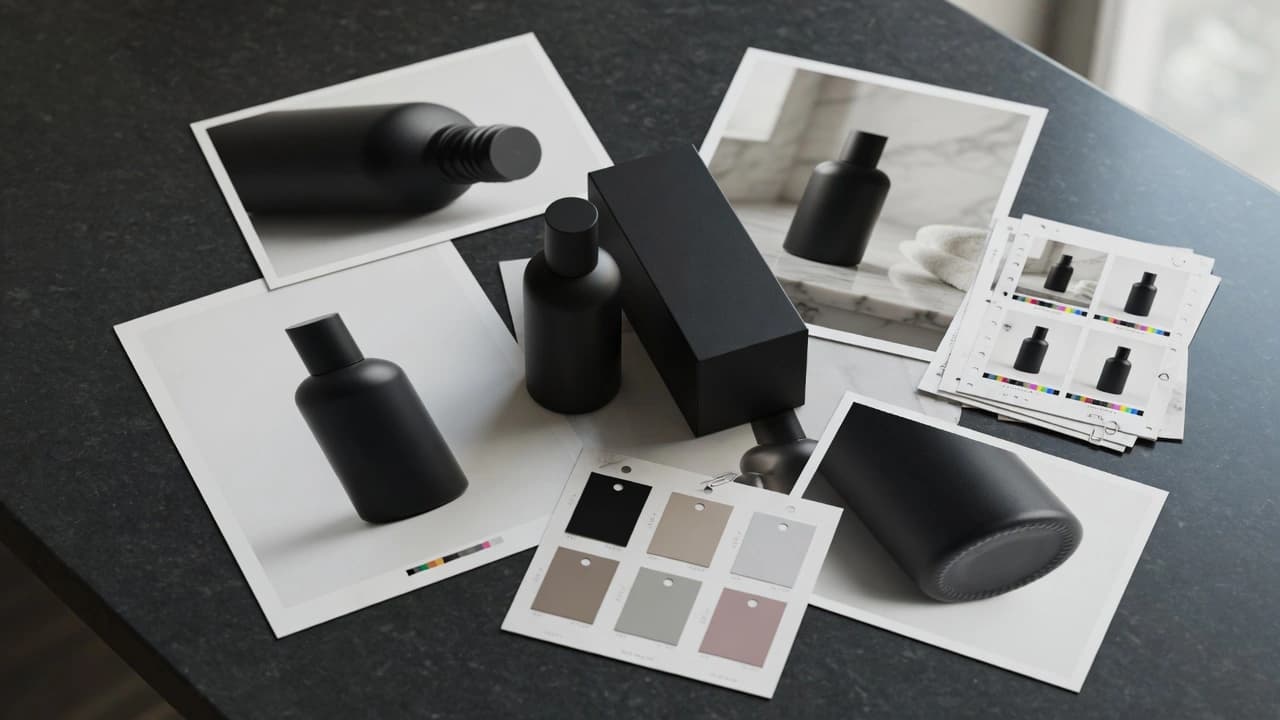
Shopping Ads
Product and lifestyle visuals for Google Shopping that protect product truth and give the feed a stronger first impression.

Shopping Ads
A Shopping visual is the first product promiseA Shopping visual is the first product promise
For Google Shopping, it is not enough for the image to exist in the feed. It has to show the product quickly, stay truthful, avoid fake elements, and connect with the offer and destination page. Gateway builds Shopping and feed visuals so the main image, support assets, lifestyle context, and PMax or Demand Gen reuse work as one clean system.
Outputs
A concrete package for teams that need to test messaging, not just produce more content.
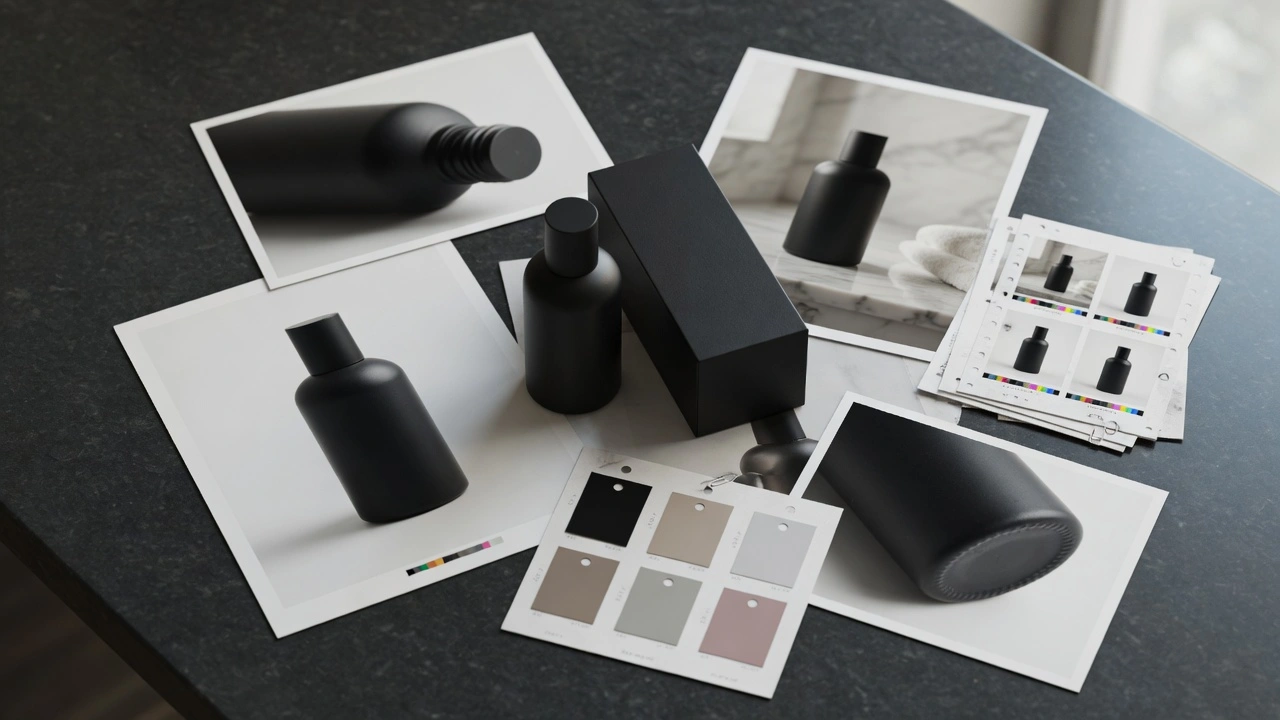
Feed image audit
Review of main product images, weak spots, formats, consistency, and what may hurt the first impression.
Main image direction
Direction for the main product image: clear product, realistic proportions, material, light, and clean composition.

Lifestyle support set
Support visuals that show the product in context without becoming a fake claim or unrealistic use case.
Material detail frames
Macro details of surface, texture, packaging, or function that increase trust without overproduced effects.

Campaign reuse map
A map of what belongs in the feed, what can support PMax, and what should become Demand Gen or social assets.
Refresh brief
A next-round handoff: which products need a new main image, lifestyle variant, detail frame, or seasonal update.
Shopping Ads
When NotWhen Not
Product data, variants, or pricing are wrong in the feed and visuals would only cover a technical issue.. The team wants to add claims, badges, or elements to the main image that the platform or product truth does not support.. The goal is to replace the real product with an unchecked generated version that misses material, color, or proportion.. The destination page does not match what the image promises.. The expectation is guaranteed Shopping performance from new images without improving offer, feed, and account signals.
Sprint Flow
Day 1: Feed and product
Review product feed, destination pages, existing photos, claims, price, category, and the main category competition.
Day 2: Visual rules
Define what must stay accurate: product, color, material, scale, packaging, variants, claims, and use case.
Day 3-4: Production
Create main image directions, product detail frames, and lifestyle assets for review.
Day 5: Review
Check product truth, quality, readability, format, prohibited elements, and risk of a generic catalog look.
Day 6: Export
Prepare assets, names, previews, and notes for the feed, media team, or campaign reuse.
Day 7: Next refresh
Hand off the products and visual types that make the most sense to refresh next.
Further Reading
Supporting articles for teams that want to test creatives without producing random variants.
Launch Visuals That Accelerate Launches
AI launch visuals are powerful when they reduce launch drag without breaking material realism, lighting logic, or brand trust. The win is leverage, not synthetic spectacle.
Product Video Ads From Images
A practical Gateway workflow for turning still product images into video ads without inventing a fake product.
When Performance Needs Better Creative
A practical Gateway diagnosis for the moment when weak creative is being treated like a media-architecture problem.
Build AI Campaign Assets Like a Library
AI campaign work scales when the assets behave like a structured library: clear roles, consistent visual rules, rejection memory, and placement-ready variants.
FAQ
Not as a purely technical feed-management service. This covers the visual side of the feed: image quality, product truth, consistency, landing-page continuity, and campaign reuse.