

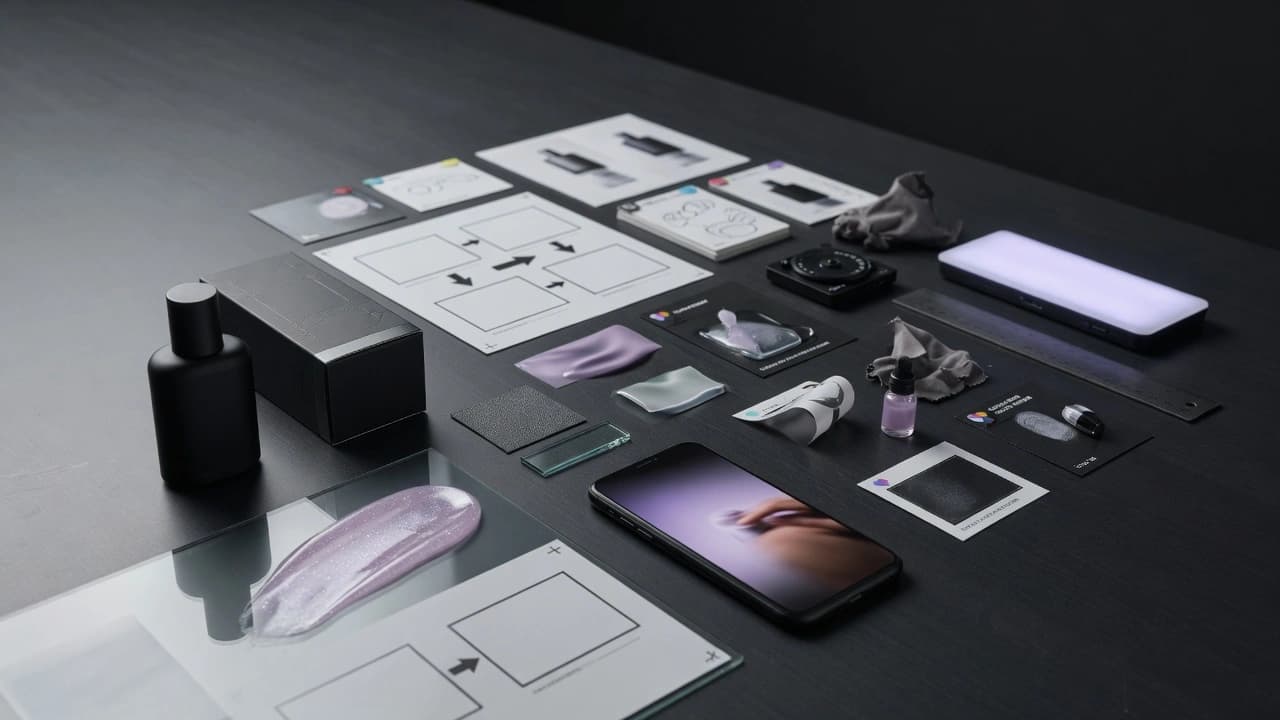
Product Demo
Product video that does more than add motion. It shows what the product does, how it feels in use, and why a customer should believe it.

Product Demo
A demo has to prove somethingA demo has to prove something
AI product demo video makes sense when it has a clear job: show function, material, use, scale, result, or objection handling. It is not enough to animate a beautiful product image. Gateway builds the demo around product truth and shot role, so the video feels like a usable ad or launch asset instead of a model demo.
Outputs
A concrete package for teams that need to test messaging, not just produce more content.
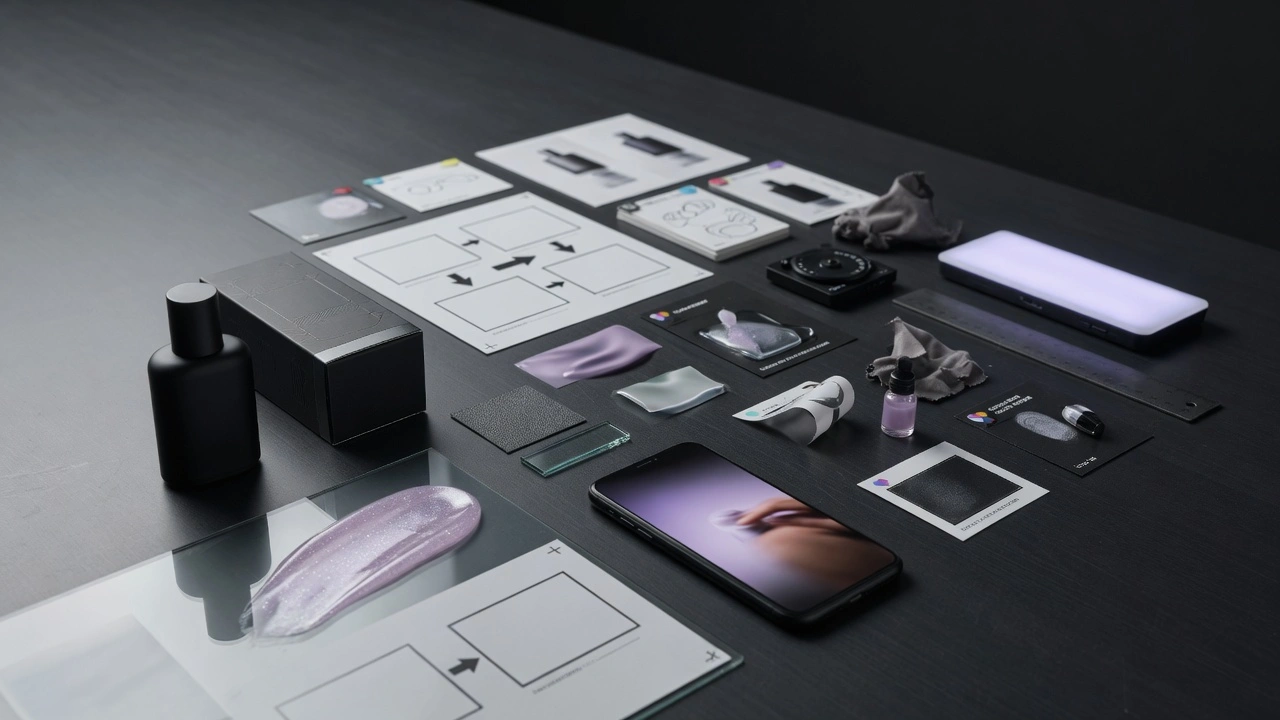
Demo role map
A decision on what the video must prove: function, material, use, result, scale, or objection.
Reference lock
Approved product frame, material, color, proportion, packaging, and details that must not drift in motion.

Motion proof plan
A simple motion plan: what moves, why it moves, when the action starts, and what stays stable.

Demo variants
Short video, motion loop, or ad cutdown variants based on channel and asset role.
Claim guardrails
Claim review so the demo does not become false proof or an unrealistic use of the product.

Channel handoff
Exports and notes for landing page, Meta, TikTok, YouTube, product page, or launch deck.
Product Demo
When Not To Use ItWhen Not To Use It
The product is not visually or functionally clear and video is expected to hide a weak offer.. The team wants impressive AI motion without a reference that can be protected.. Claims are not approved and the demo could look like unrealistic proof.. The product has complex use, but nobody wants to decide what the video should explain first.. The goal is only a cheaper shoot replacement, not a better demo and faster testing.
Sprint Flow
Day 1: Product truth
Lock product, material, scale, claims, reference stills, and the places where the demo must not lie.
Day 2: Demo role
Choose whether the video explains function, shows detail, proves a result, or answers an objection.
Day 3-4: Motion and edit
Create demo directions, camera plan, opening frame, and short sequences for review.
Day 5: Review
Check product drift, materials, claims, tempo, readability, and landing-page continuity.
Day 6: Exports
Prepare formats, cutdowns, poster frames, and variant names for each channel.

Day 7: Next test
Hand over what to scale, what to drop, which demo questions remain open, and what to shoot or generate next.
Further Reading
Supporting articles for teams that want to test creatives without producing random variants.
AI Product Demo Videos Need Interface Truth
A practical Gateway workflow for making AI product demo video feel premium without inventing features, fake interactions, or dishonest UI behavior.
Lock Material Truth Before Motion
A Gateway workflow for product ads: lock glass, metal, labels, liquid behavior, handling, and rejection memory before the first animation pass.
Lock SKU Truth Before Scaling Variants
A practical Gateway workflow for multi-SKU product ads: lock the golden SKU board, variant ladder, proof-sensitive details, and placement review before generating the next asset family.
Make Product Visuals Feel Premium Before Render
A practical Gateway framework for product visuals that feel expensive without becoming fake: authority packs, material hierarchy, proof-sensitive crops, and what Gateway Studio should own before scale.
FAQ
Sometimes, but more often it is a faster layer for testing, launch, or ad variants. If the product needs physical demonstration with exact handling, a hybrid workflow may be better.