

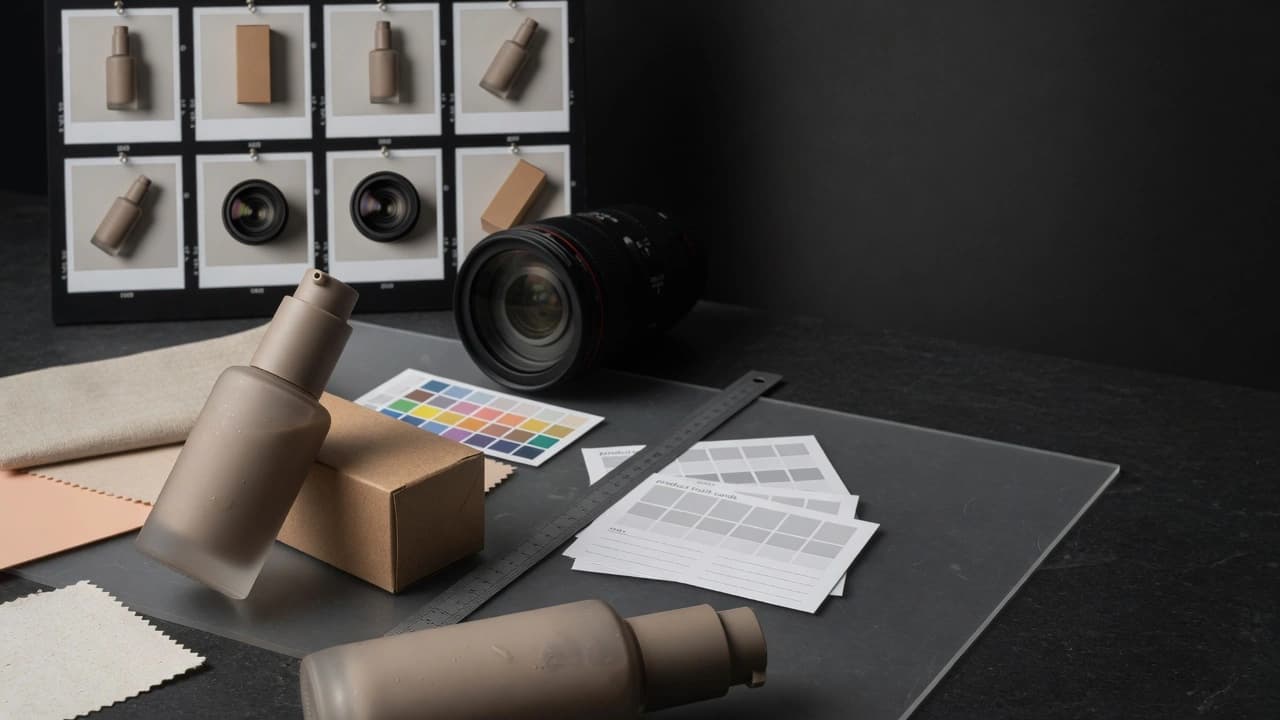
AI Product Photography
Product images for ecommerce, PDPs, ads, and social that feel like real production and protect product truth.
AI Product Photography
Photos, not fake productPhotos, not fake product
AI product photography works when a brand needs quality product scenes, catalog variants, lifestyle shots, or ad crops quickly without losing trust in material, packaging, and scale. Gateway first locks product references, critical details, allowed changes, and the moments where a real shoot is smarter. Then we create images that can support product pages, ads, and launch communication.
Outputs
A concrete package for teams that need to test messaging, not just produce more content.
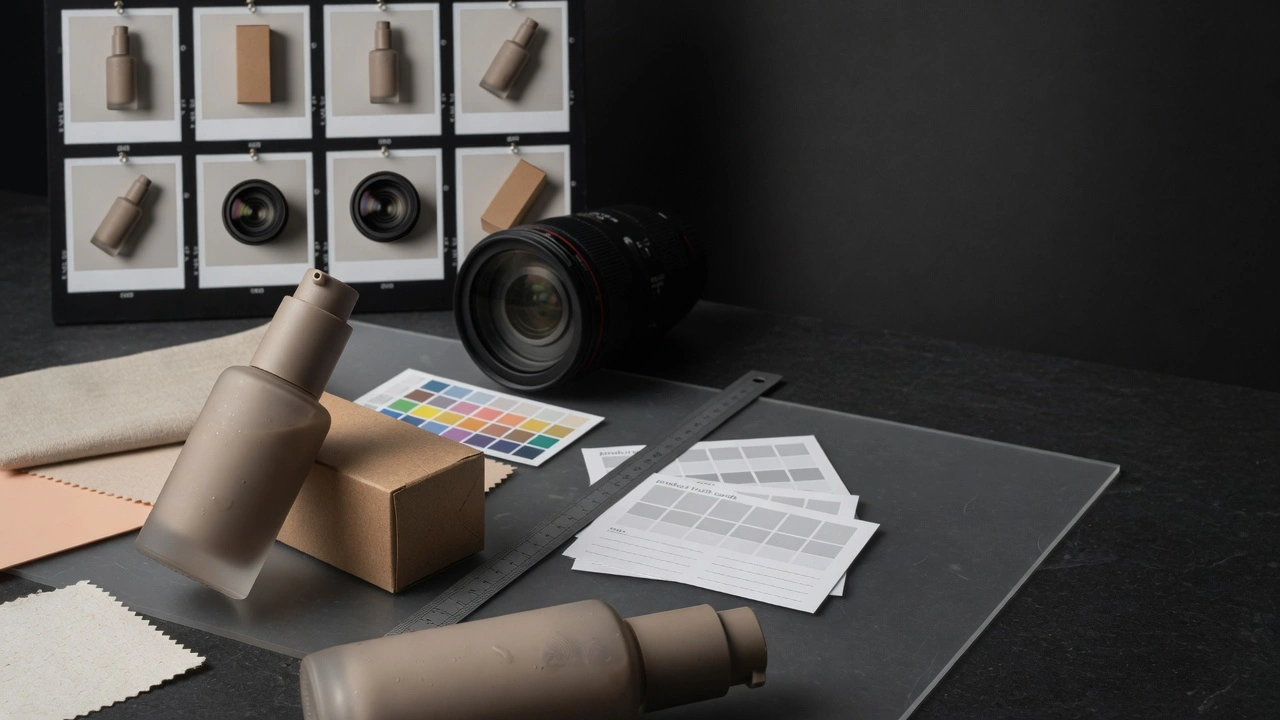
Product truth sheet
Locked product references, materials, colors, packaging, scale, textures, and forbidden errors.
Catalog shots
Clean product views for PDPs, comparison blocks, or category pages.
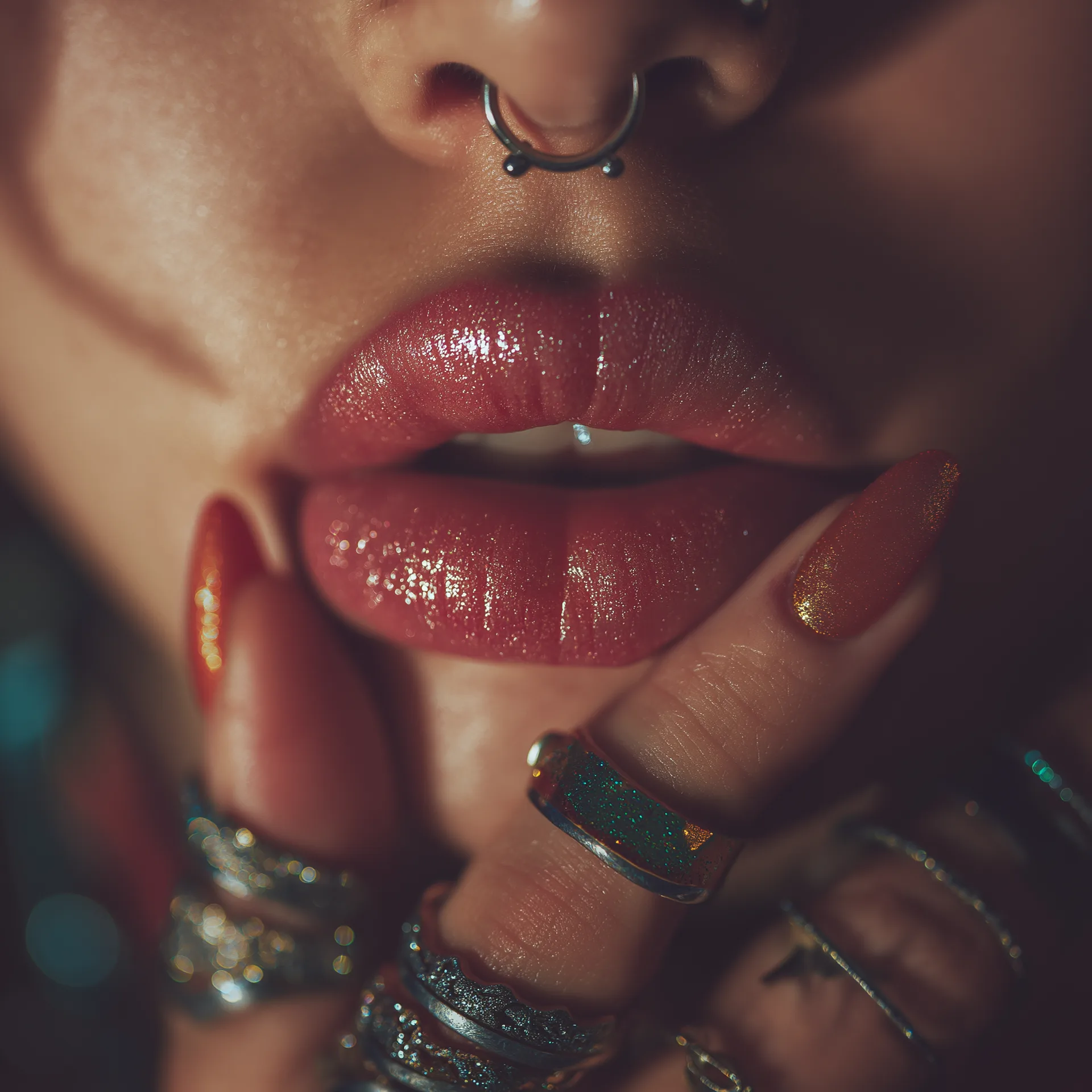
Lifestyle scenes
Realistic product situations that make the product role and feeling clear.
Macro details
Textures, materials, surfaces, packaging, edges, reflections, and trust-building details.
Ad crops
Variants for Meta, TikTok, display, social, and email by hook, format, and text space.
Real-shoot boundary
A clear call on what AI can handle and what should be photographed for real.
AI Product Photography
When Not To Use ItWhen Not To Use It
The product has no real references and depends on exact packaging, material, or regulated detail.. The brand wants AI to make the product look better than the real product.. The image needs to prove a property that must be photographed or tested for real.. Claims, labels, or legal copy are not approved and cannot visually drift.. The goal is high image volume without product review or an approval process.
Production Flow
Day 1: Product and references
Align real photos, packaging, materials, claims, and details that cannot drift.
Day 2: Shot list
Plan catalog views, lifestyle scenes, macros, ad crops, and the job of each image.
Day 3-4: Image production
Create the first set of product, environment, lighting, and composition directions.
Day 5: Detail review
Check packaging, textures, scale, reflections, color, readability, and product risk.
Day 6: Variants
Extend approved images into PDP, ads, email, social, and launch-page formats.

Day 7: Handoff
Hand over images, usage rules, risks, the next shot list, and real-shoot recommendations.
Further Reading
Supporting articles for teams that want to test creatives without producing random variants.
When AI Product Visuals Are Enough
A practical Gateway decision model for launches: where AI visuals are enough, where real capture still matters, and how to split the work without weakening trust.
Make Product Visuals Feel Premium Before Render
A practical Gateway framework for product visuals that feel expensive without becoming fake: authority packs, material hierarchy, proof-sensitive crops, and what Gateway Studio should own before scale.
Lock Material Truth Before Motion
A Gateway workflow for product ads: lock glass, metal, labels, liquid behavior, handling, and rejection memory before the first animation pass.
The Product Launch Visual Checklist
A premium launch needs more than a hero image. It needs a clear asset-role map, proof logic, and review gates before generation creates expensive drift.
FAQ
Sometimes yes, sometimes no. It is useful for variants, lifestyle scenes, ad crops, and visual systems. Real capture is better when the image is evidence, a regulated claim, an exact label, or a detail that cannot drift.